
Help shape a more thoughtful
learning app for children
Join the beta — it’s free
Get full premium access and help us improve MinervaSpring.
How the Closed Beta Works
Sign up using your Google email address, or sign up with Google.
We create or upgrade your MinervaSpring account with premium beta access.
We manually add your Google email to the approved tester list in Google Play Console.
After your email has been approved, open the Google Play beta opt-in link using the same Google account.
Download MinervaSpring from Google Play. Open in Google Play
Log in using your premium beta account, test the app, and share your feedback.
Share your feedback
There are two easy ways to share feedback directly inside the app.
Flag a question
After completing questions, your child can review their answers. If something seems off, tap the flag button on the Question Review screen.
This is perfect for reporting questions that are:
- • Confusing, incorrect, or badly worded
- • Too easy or too hard for the difficulty level
- • Visually unclear or not working as expected
Each flag is linked to the exact activity and question, so we can find and fix issues quickly.
Send dashboard feedback
Premium beta testers can also share broader feedback through the Parent Dashboard.
Use this for general comments about:
- • Overall app experience and child engagement
- • Difficulty, progress, or learning observations
- • Bugs, display issues, or suggestions
Open the Parent Dashboard from the main menu and look for the feedback option.
Your feedback helps improve MinervaSpring before launch and makes the app better for children, parents, carers, and educators.
Premium features included for beta testers
See it in action
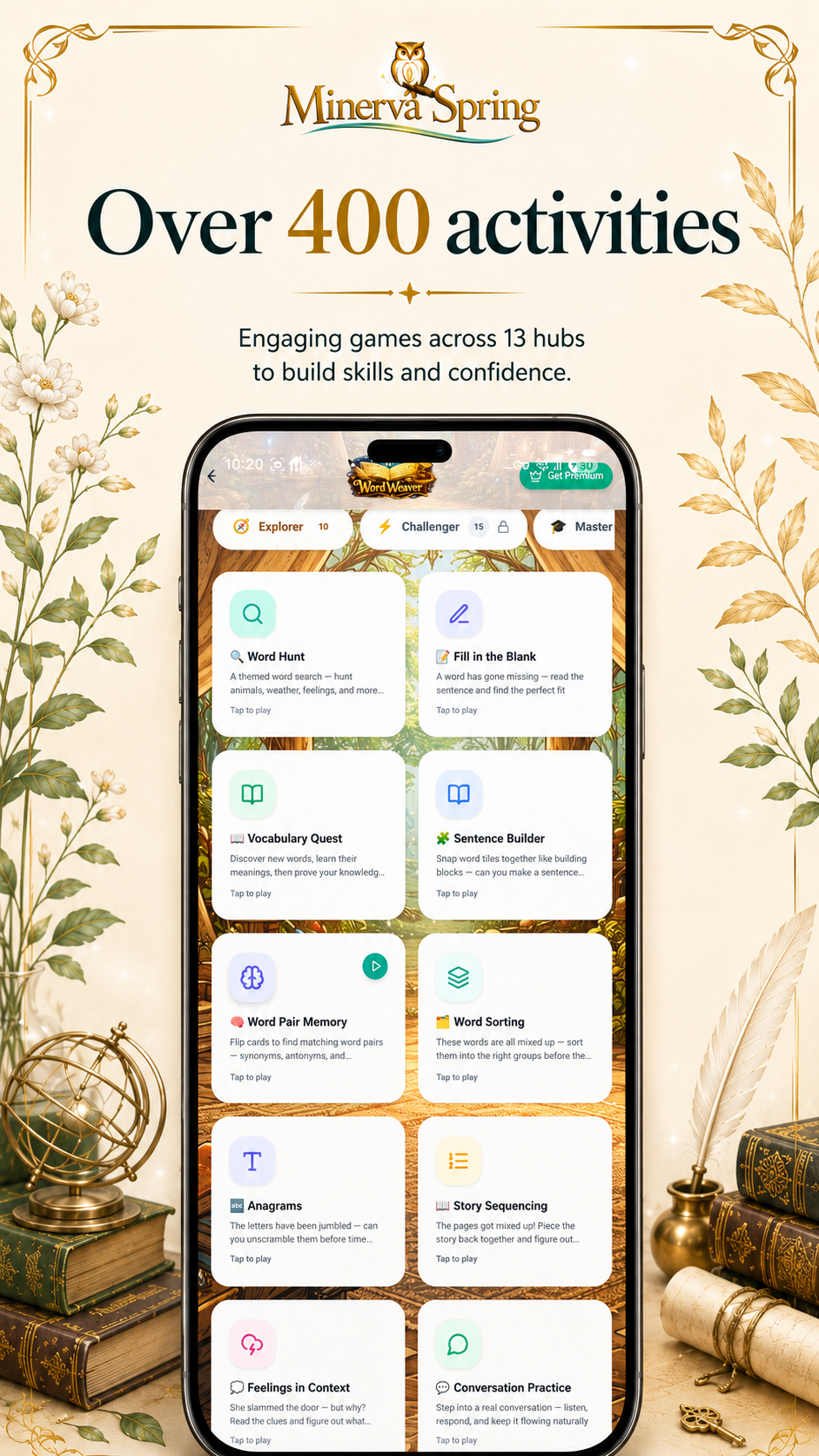
Over 400 activities
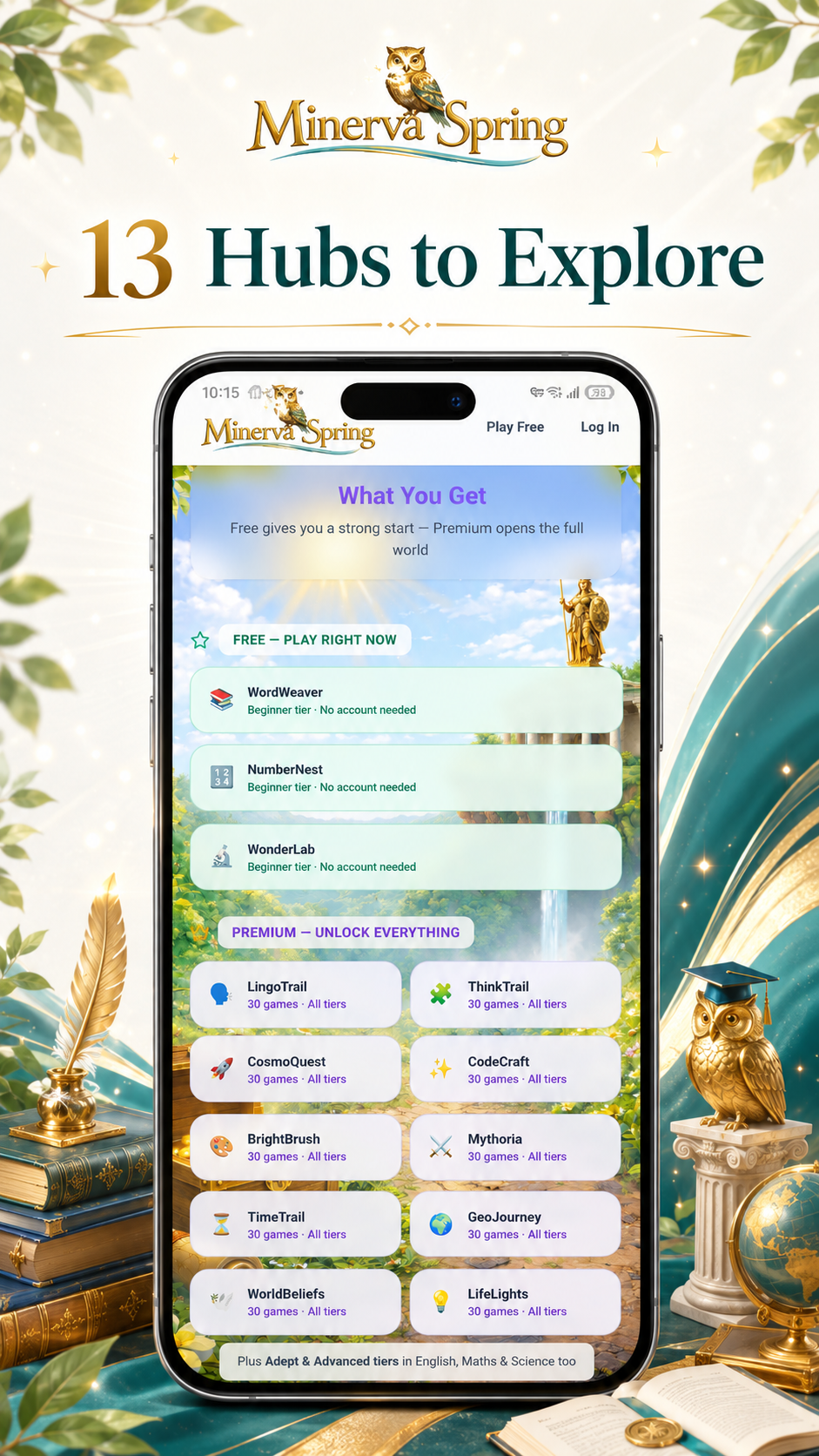
13 hubs to explore
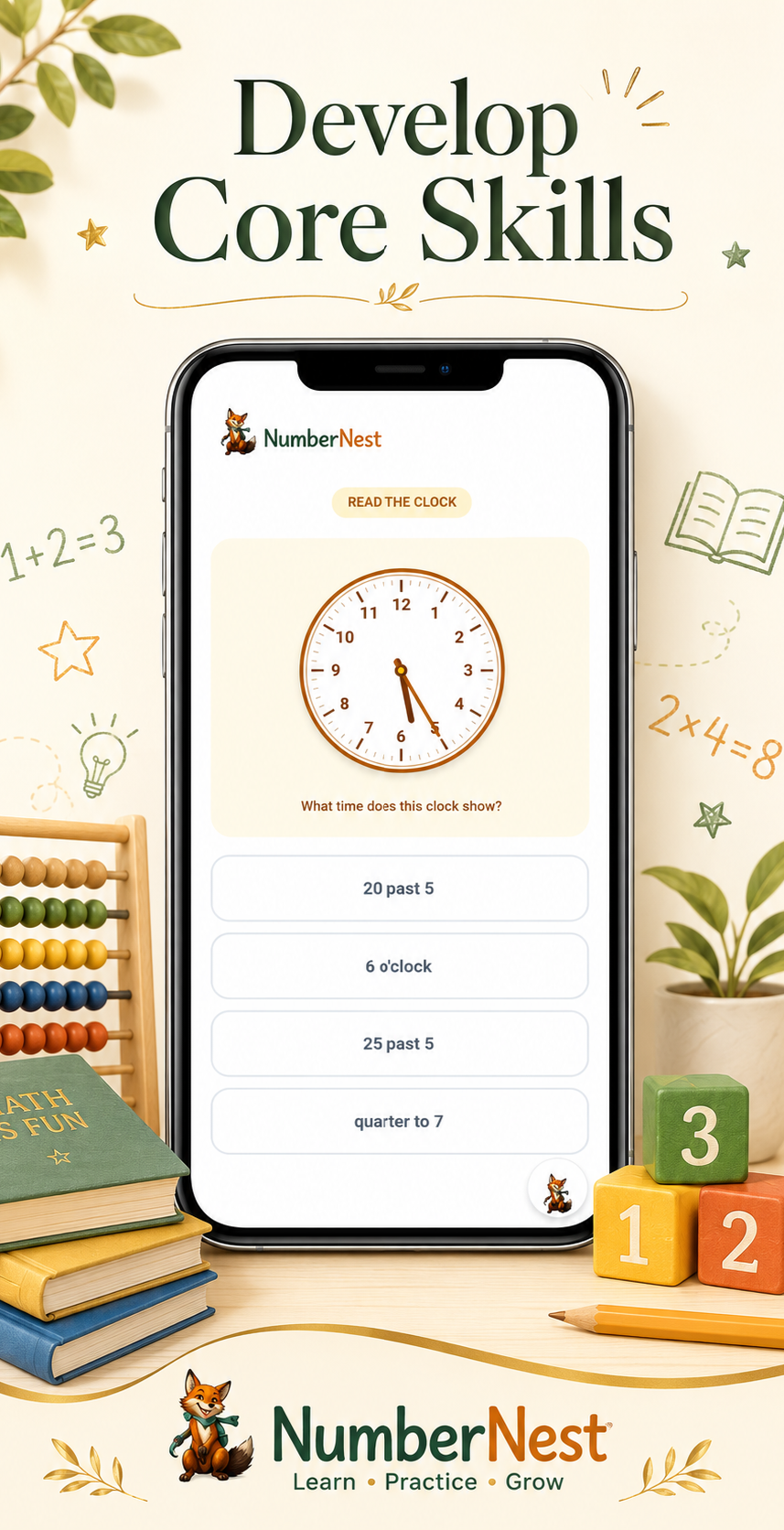
NumberNest — maths
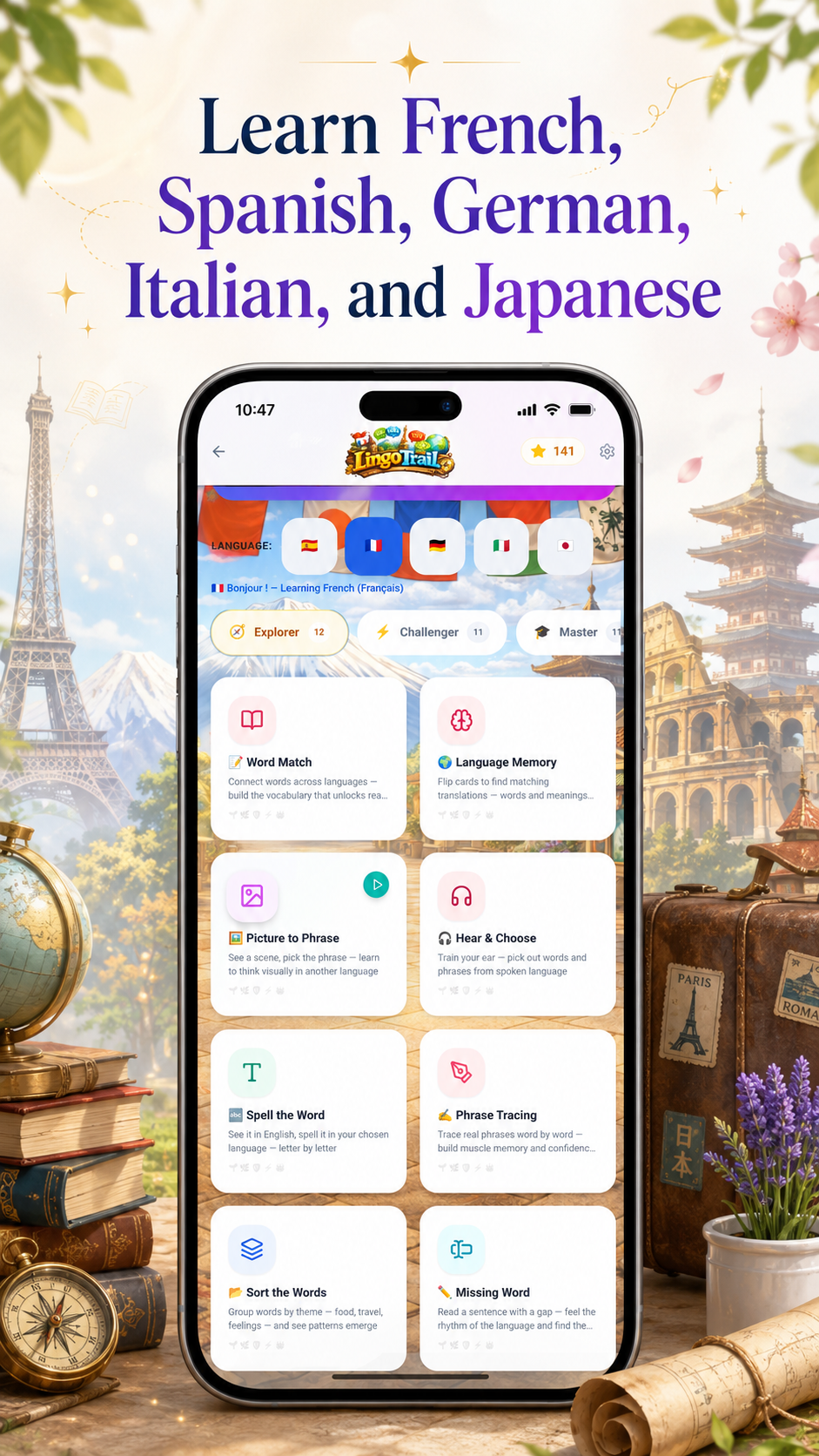
LingoTrail — languages
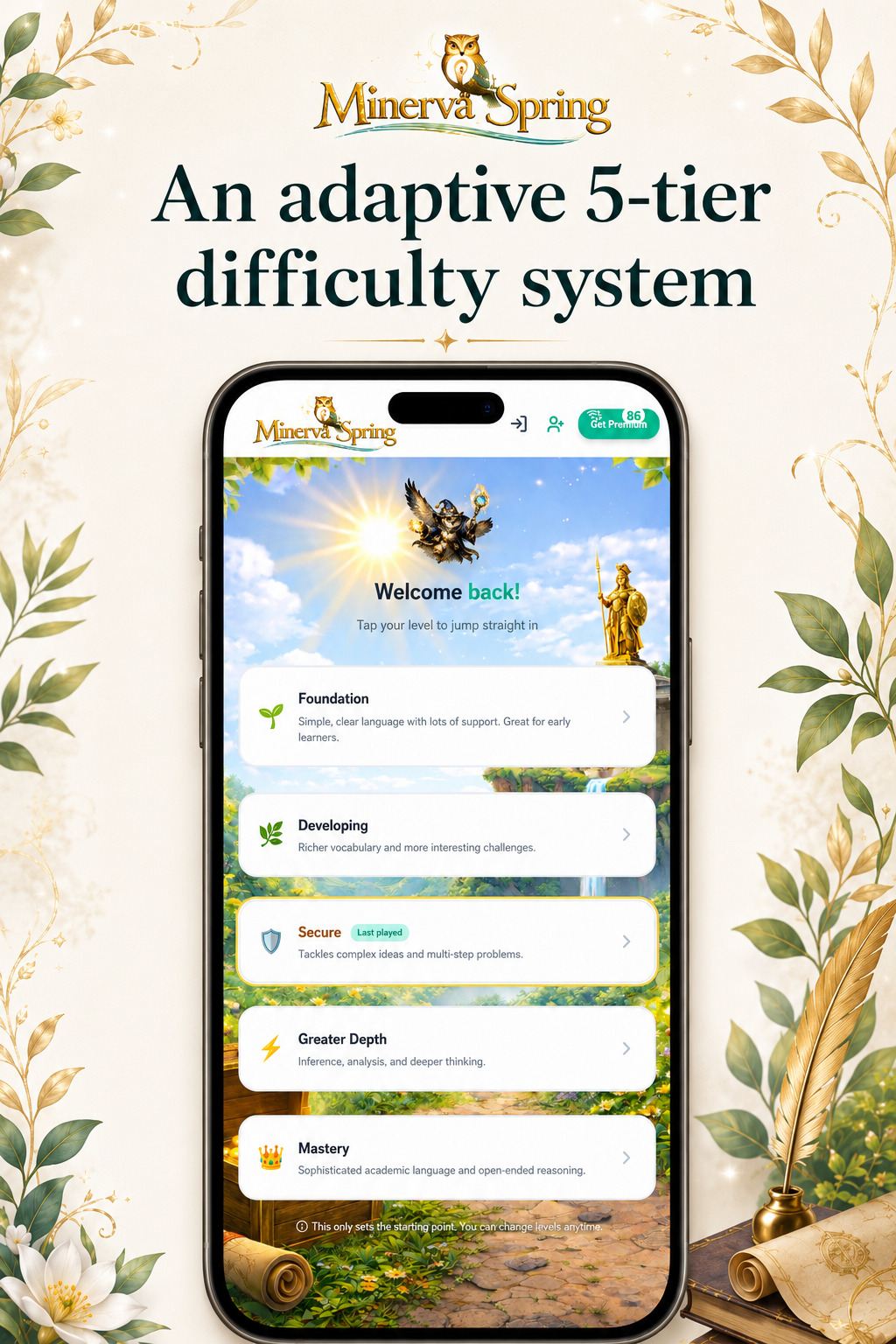
Adaptive difficulty
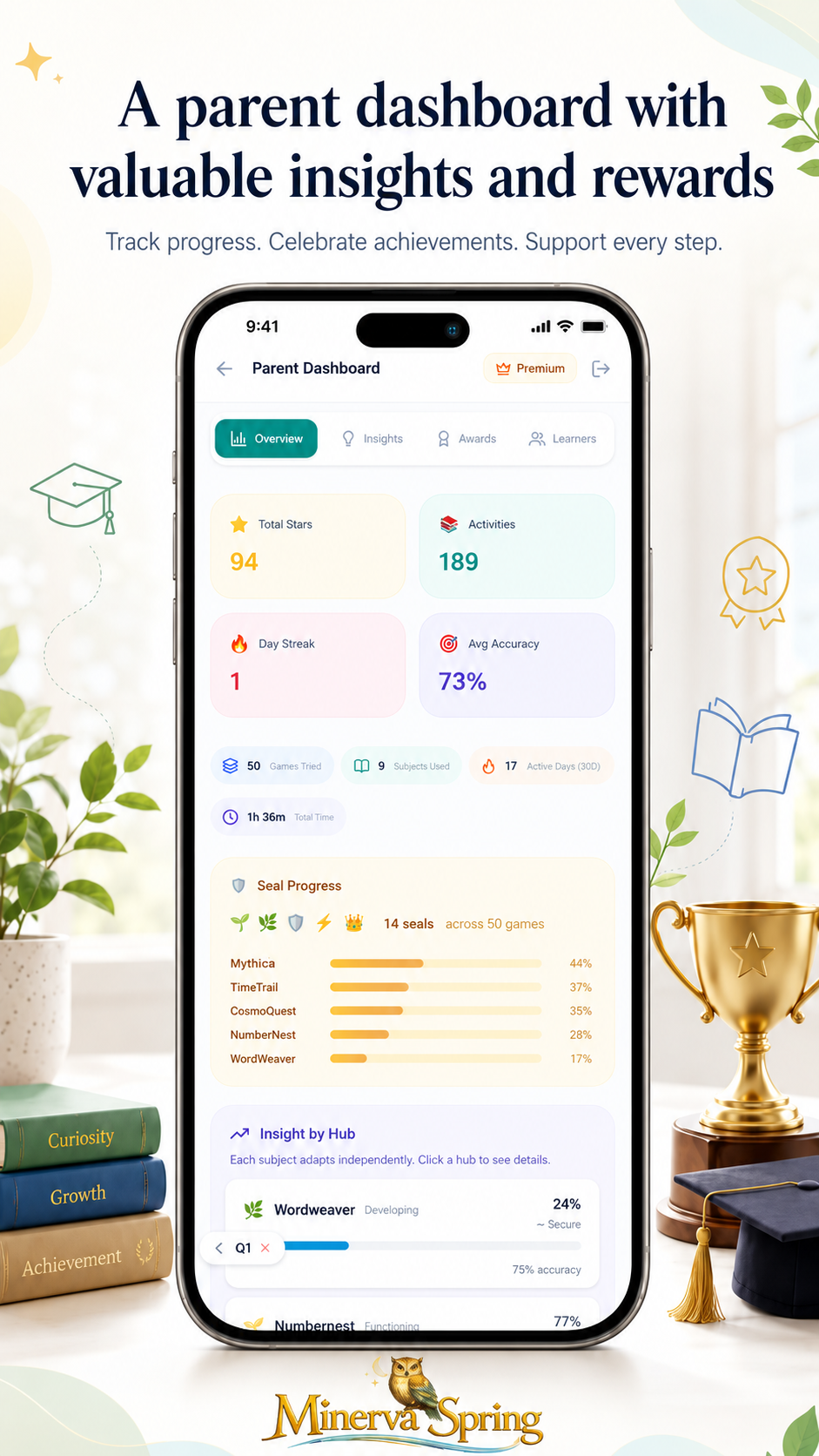
Parent dashboard